Goblin Gate
The tour

What the goblin sees

Straight from the web UI, with demo data (no real network was harmed). Want to click instead of look? Run the demo.
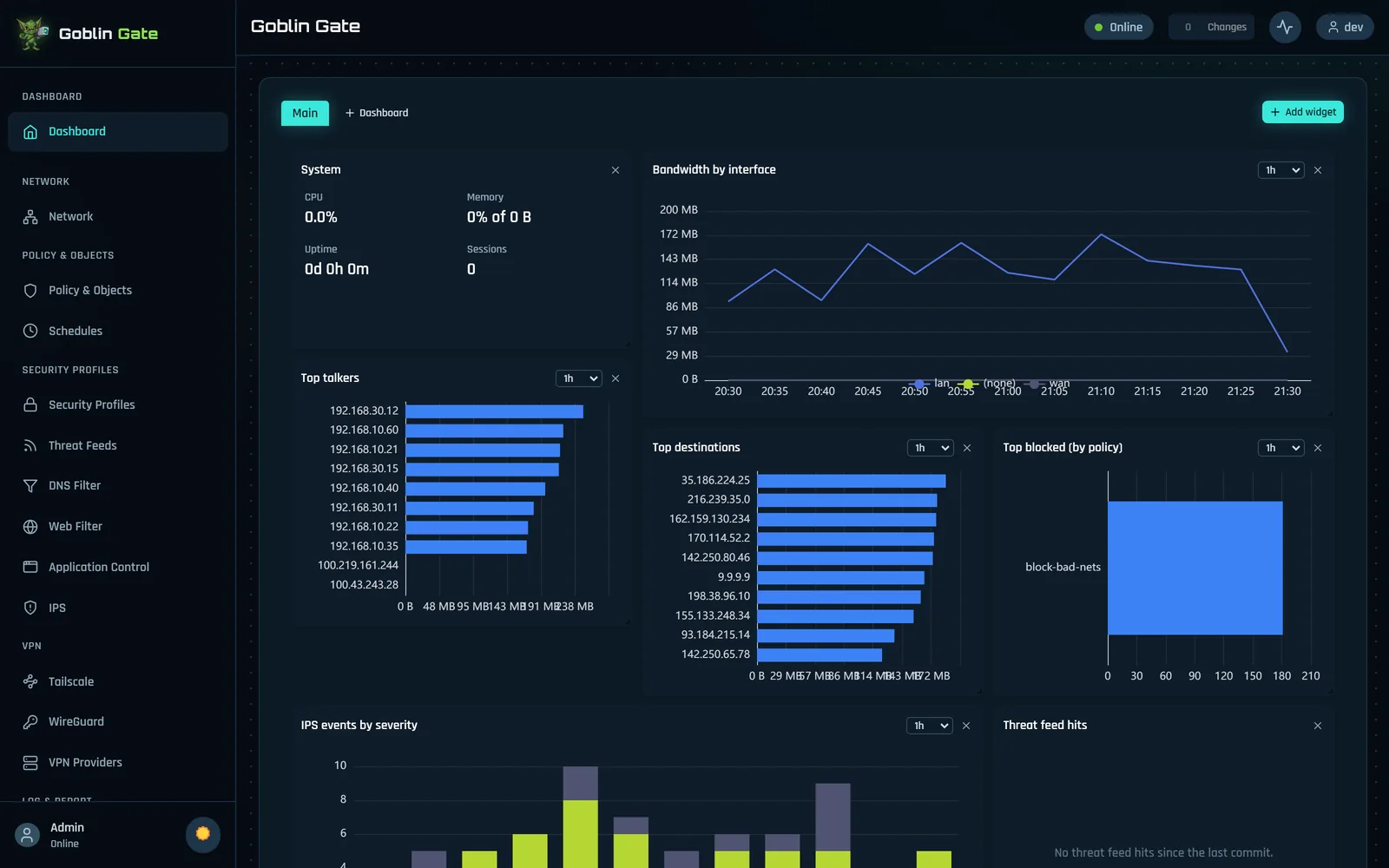
Dashboard with bandwidth by interface, top talkers, top destinations, top blocked policies and IPS events by severity
The dashboard: add, remove and arrange widgets, or build more dashboards.
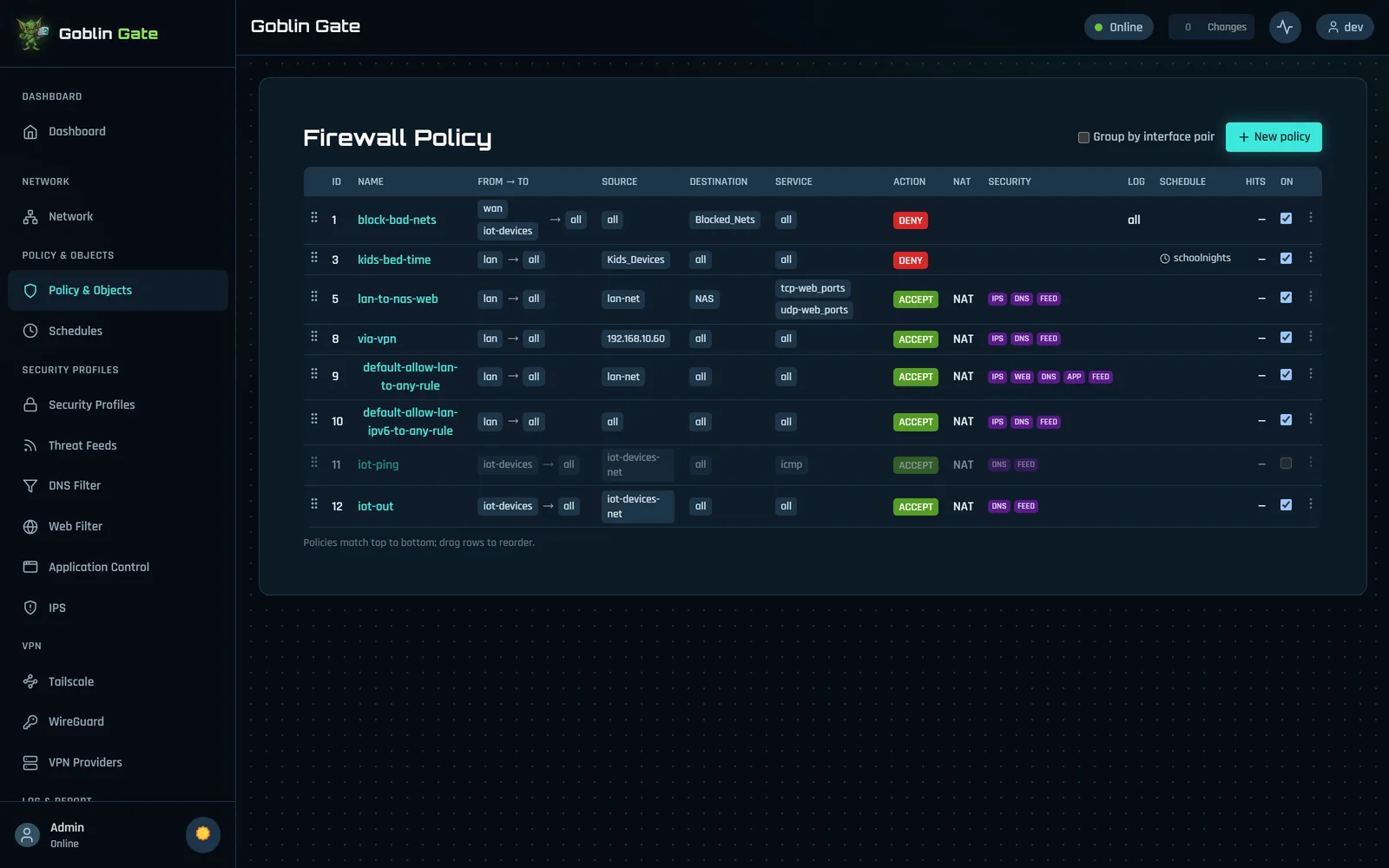
The firewall policy table
Firewall policies: top to bottom, first match wins, with security profiles as badges.
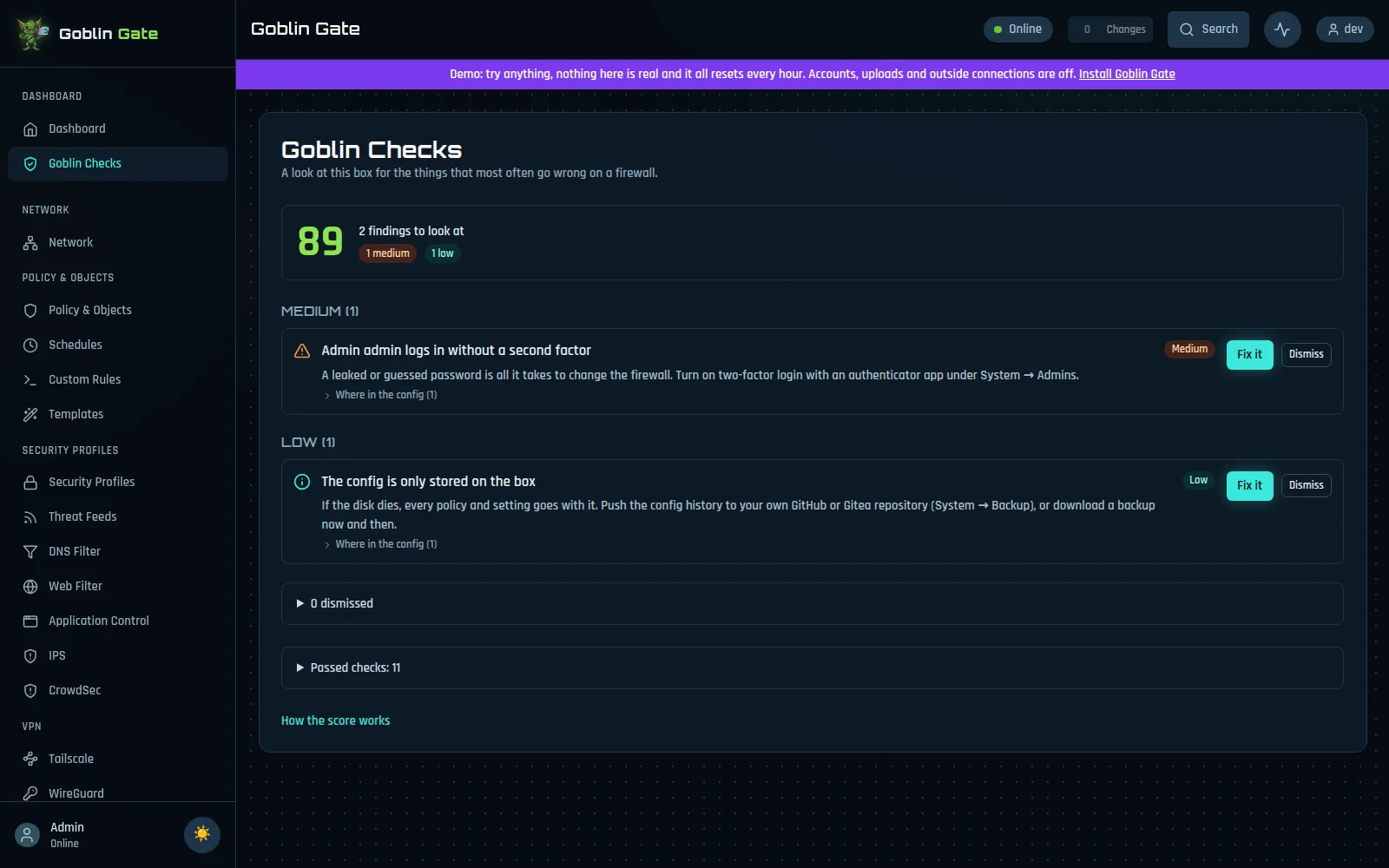
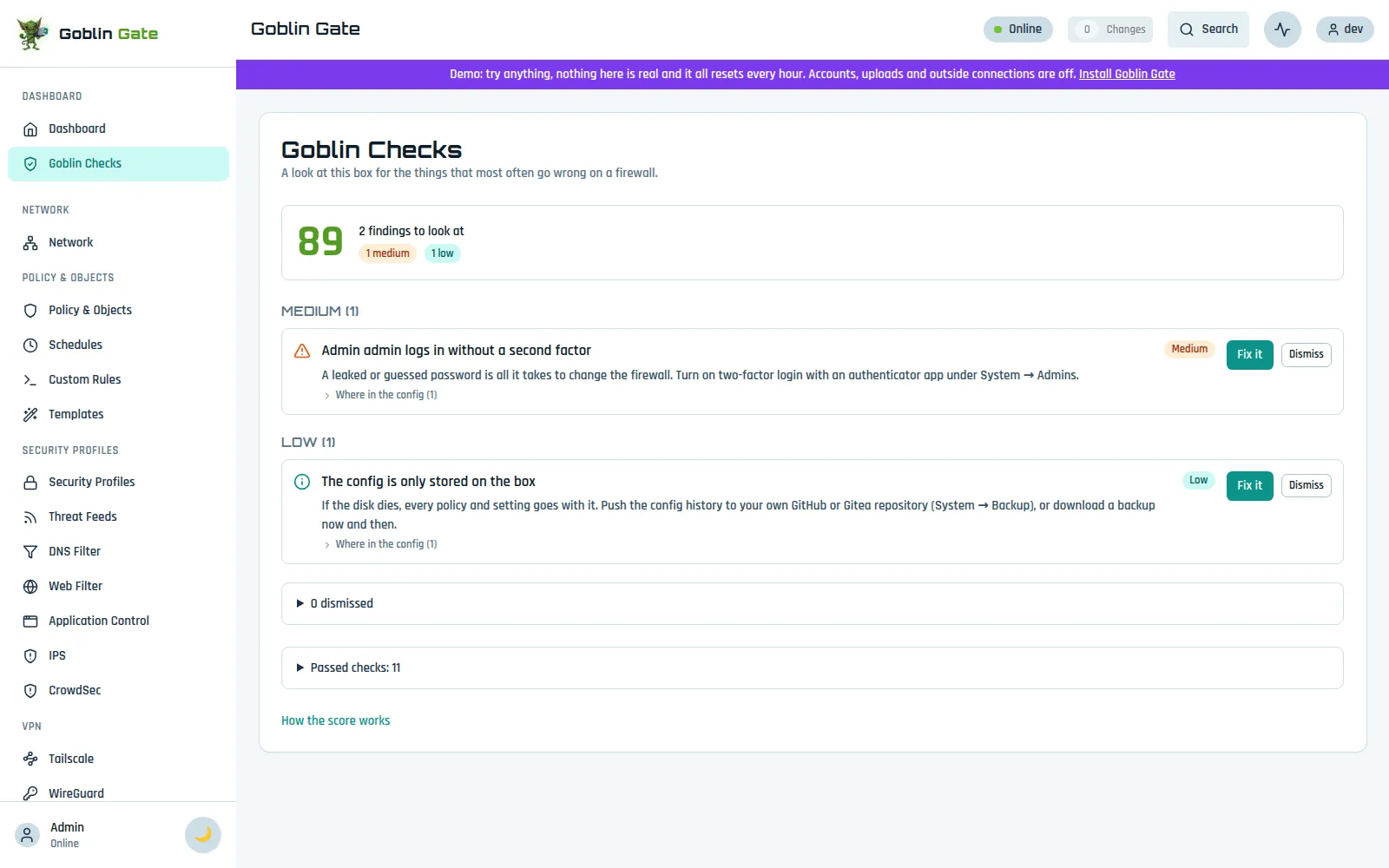
Goblin Checks with a score and findings
Goblin Checks: what's risky or forgotten, most important first.
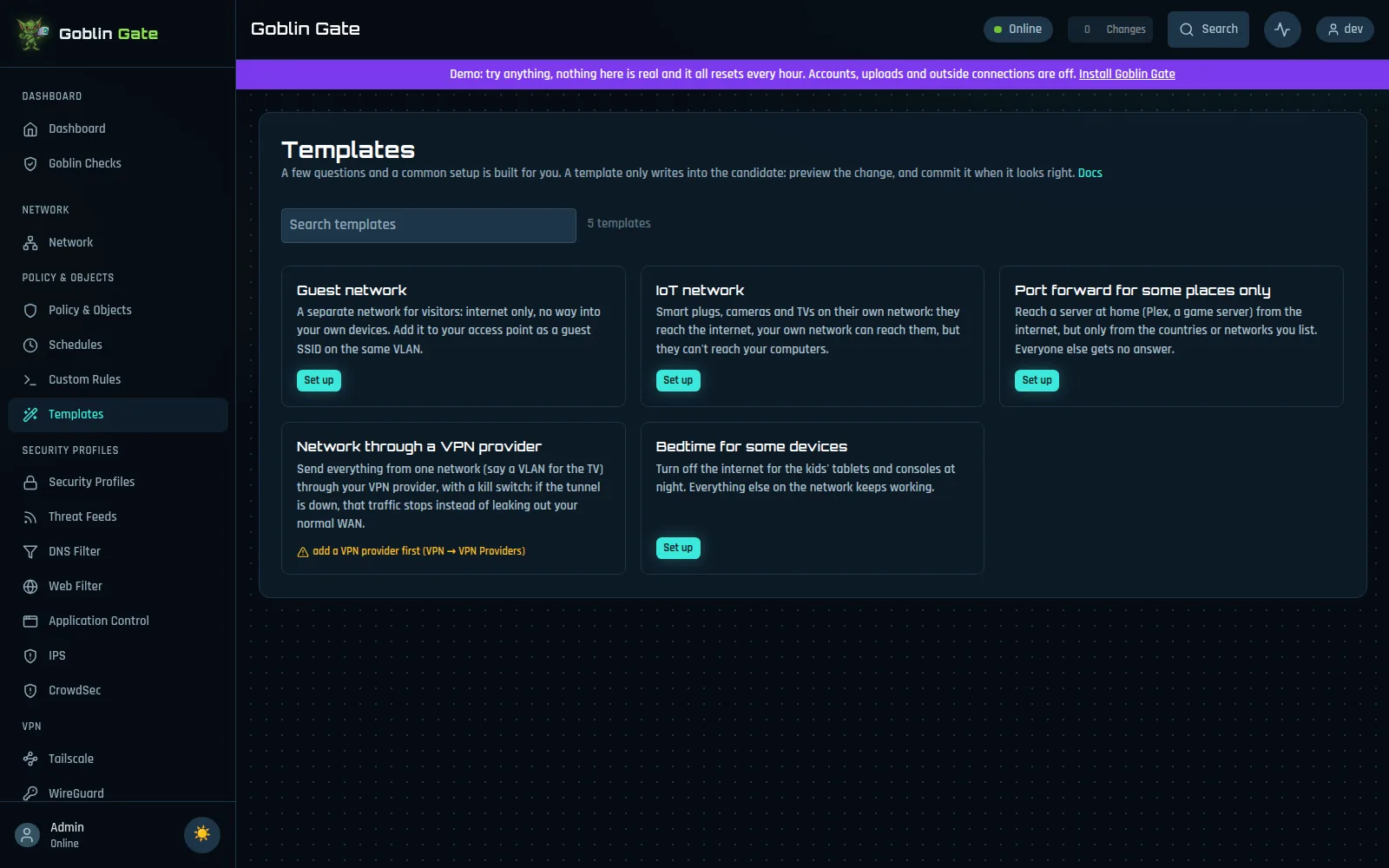
Templates for common setups
Templates: a few questions and a common setup is built for you.
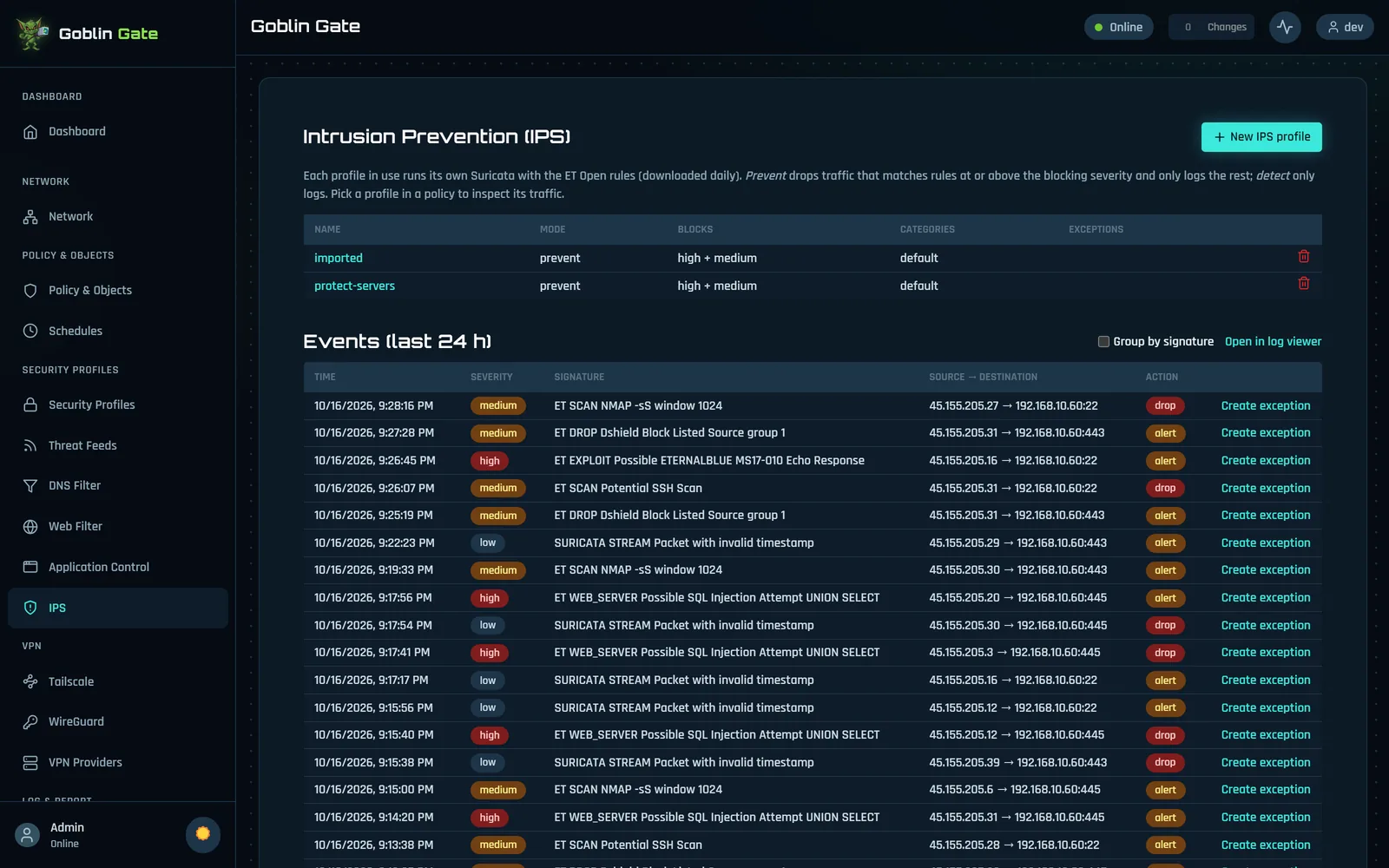
Intrusion prevention page with IPS profiles and recent events
Intrusion prevention: profiles and the last 24 hours of events, one click to an exception.
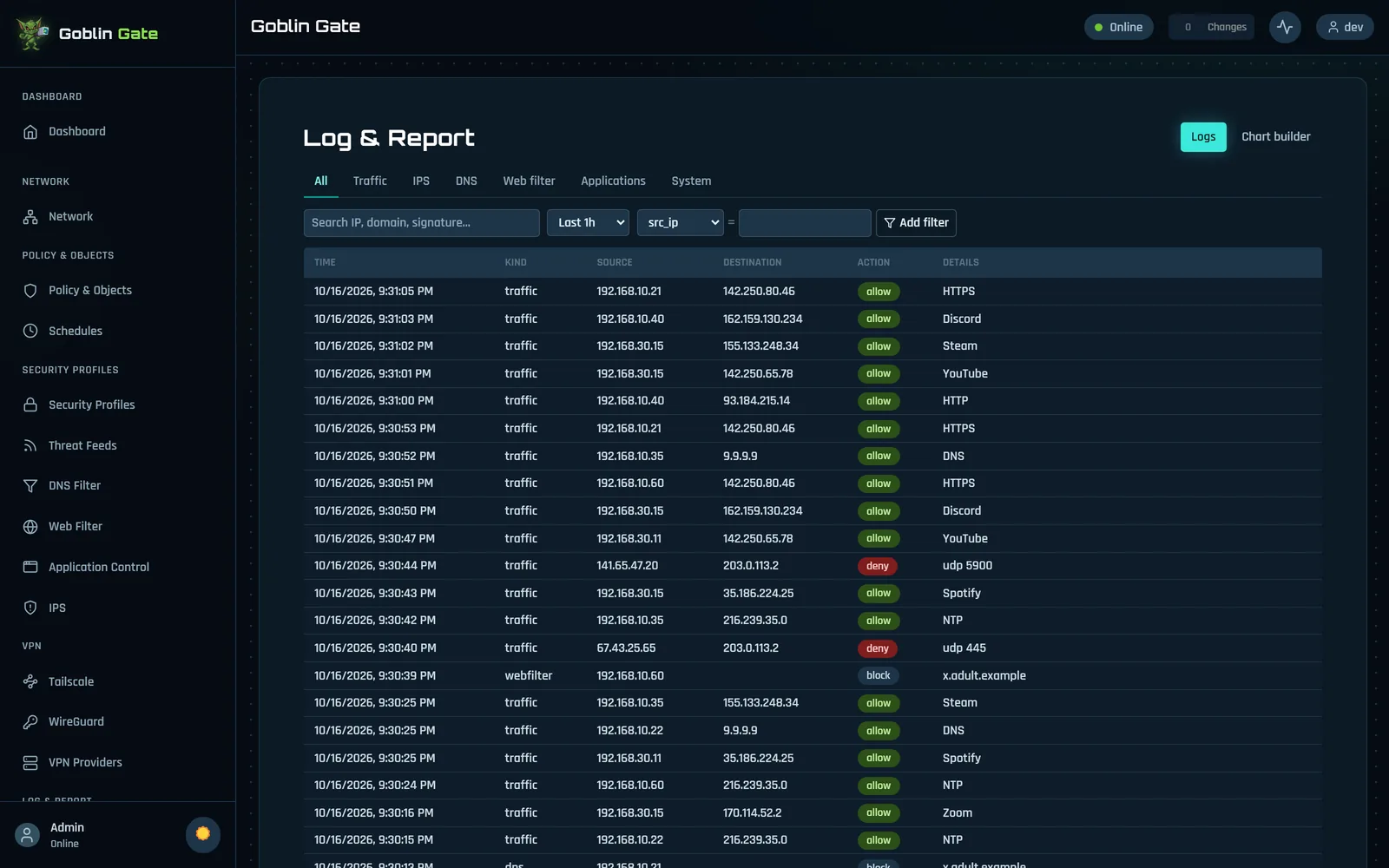
Log and report page listing traffic
Log & Report: every connection, filterable, with the app and the policy that matched.
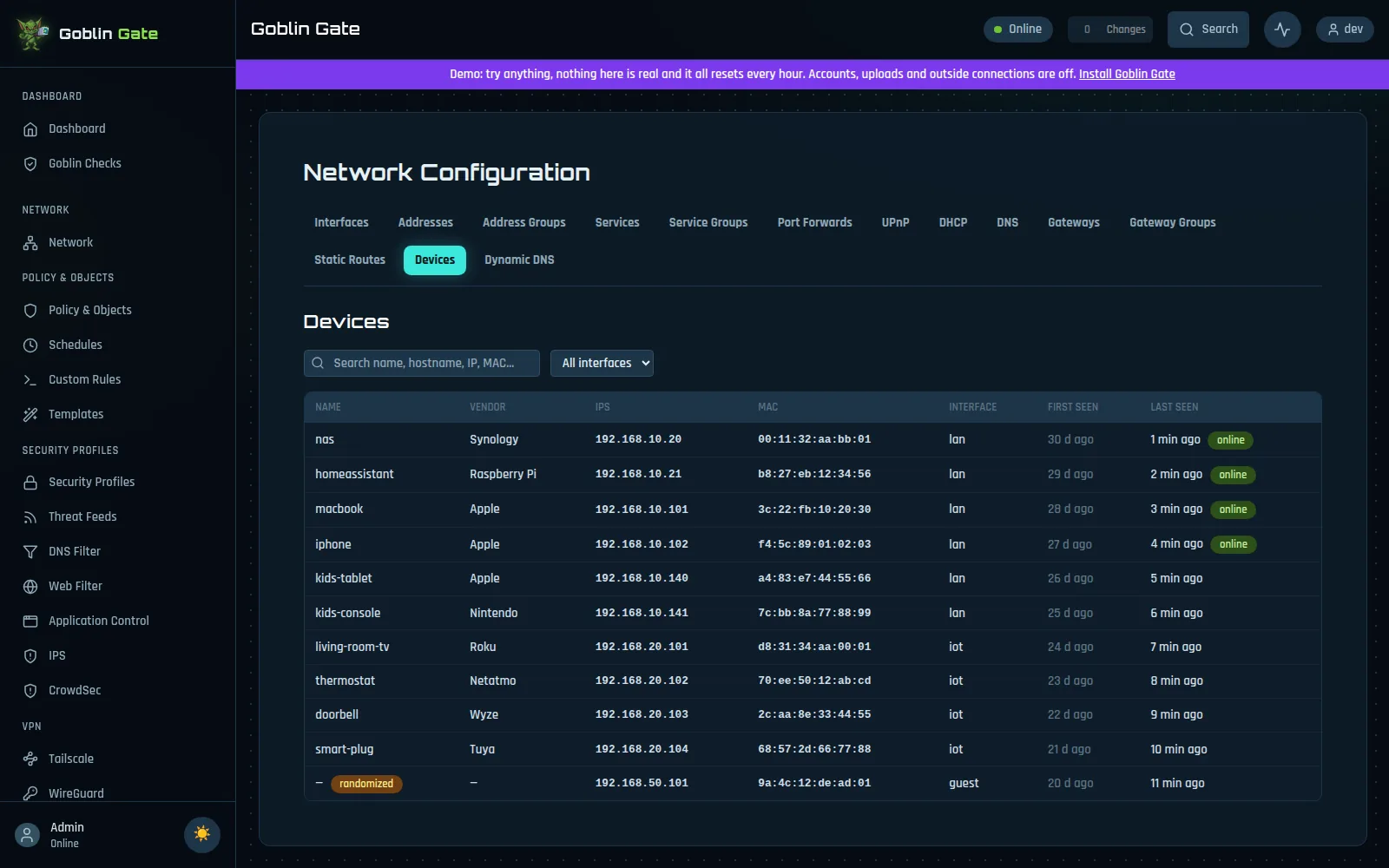
Devices: everything on the network with vendor, IP, MAC, interface, first and last seen
Devices: everything on your network, with vendor, interface and when it was last seen.
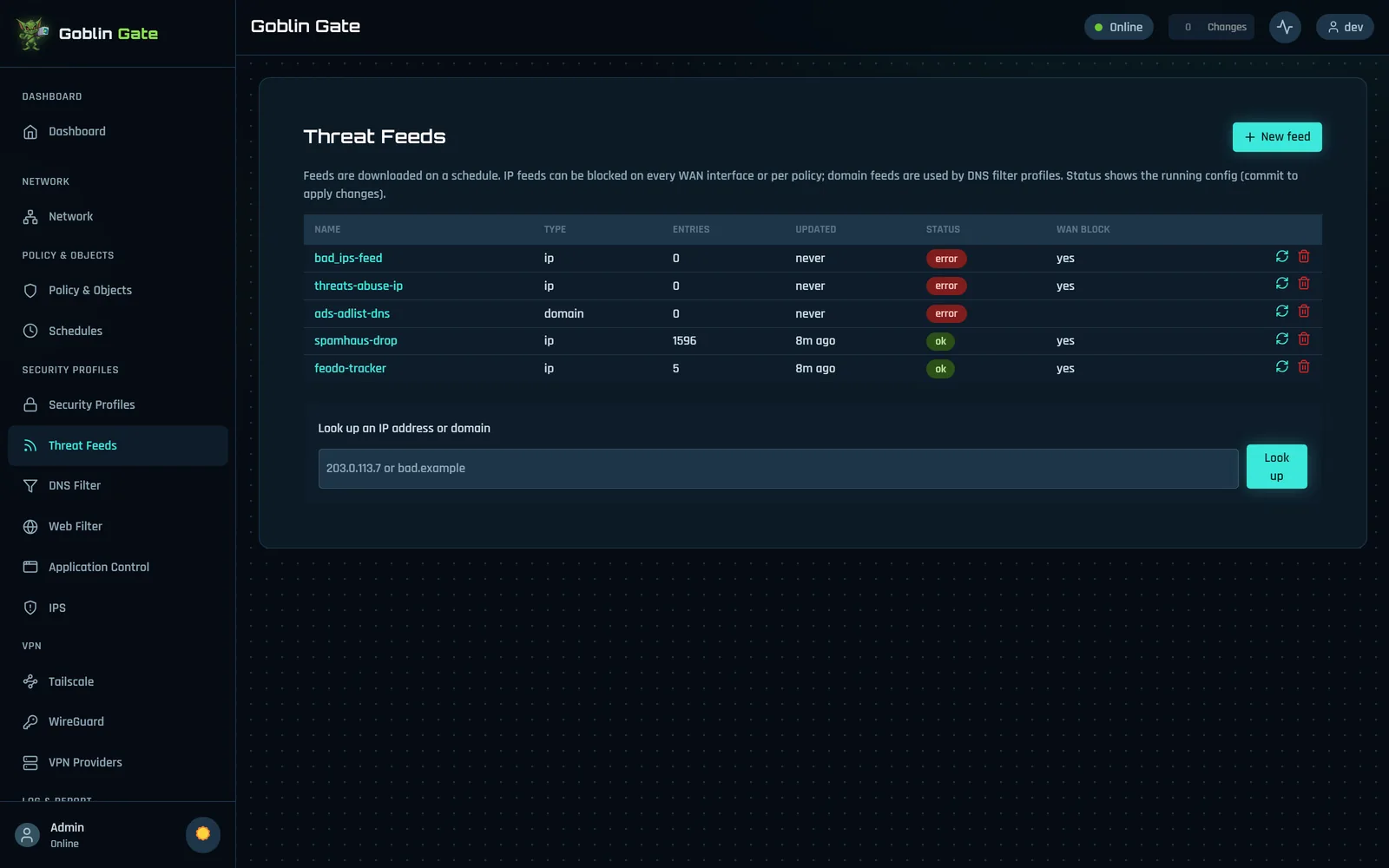
Threat feeds with a lookup box
Threat feeds: known-bad lists kept fresh, and a lookup box.
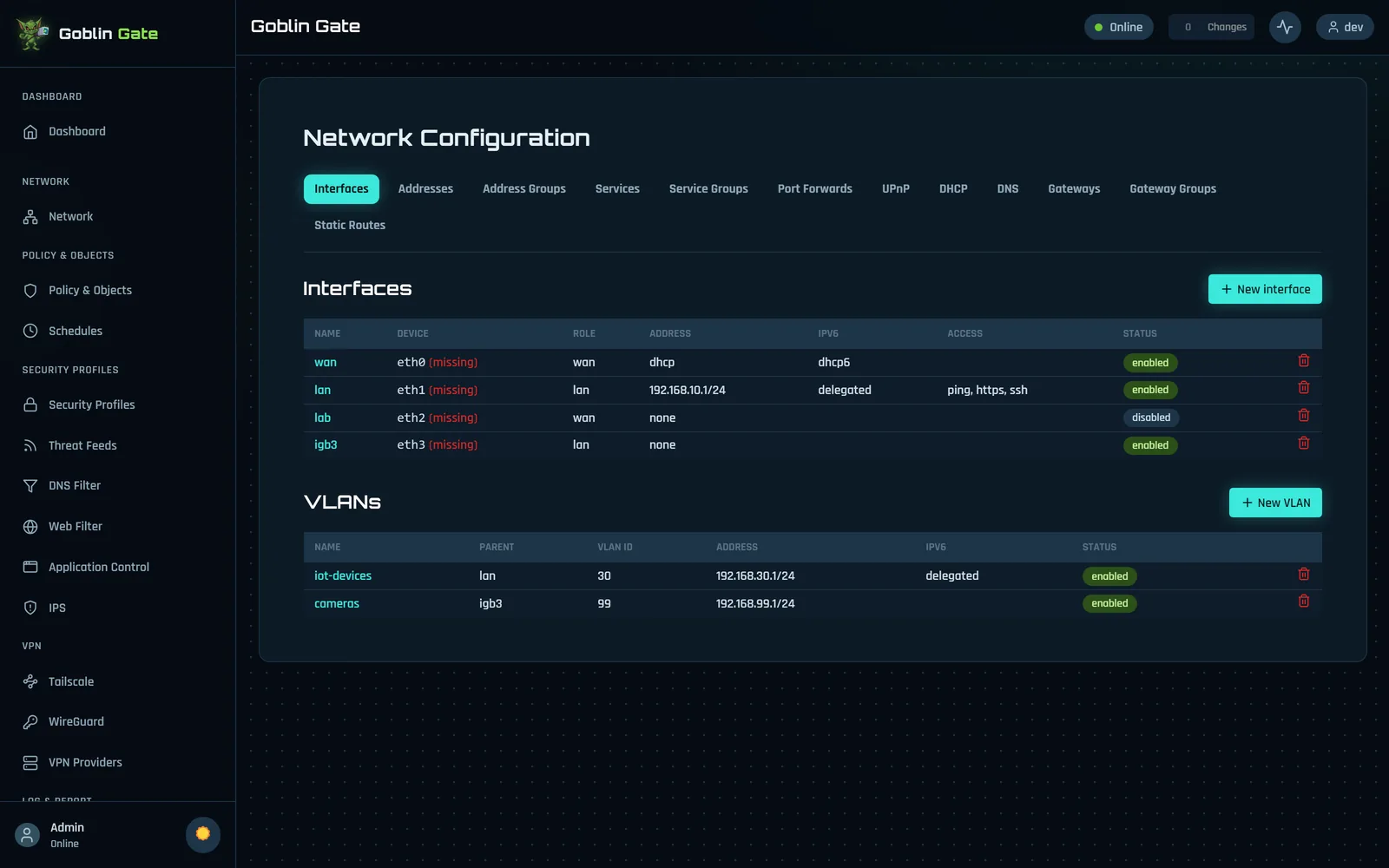
Interfaces and VLANs
Interfaces and VLANs, IPv4 and IPv6.
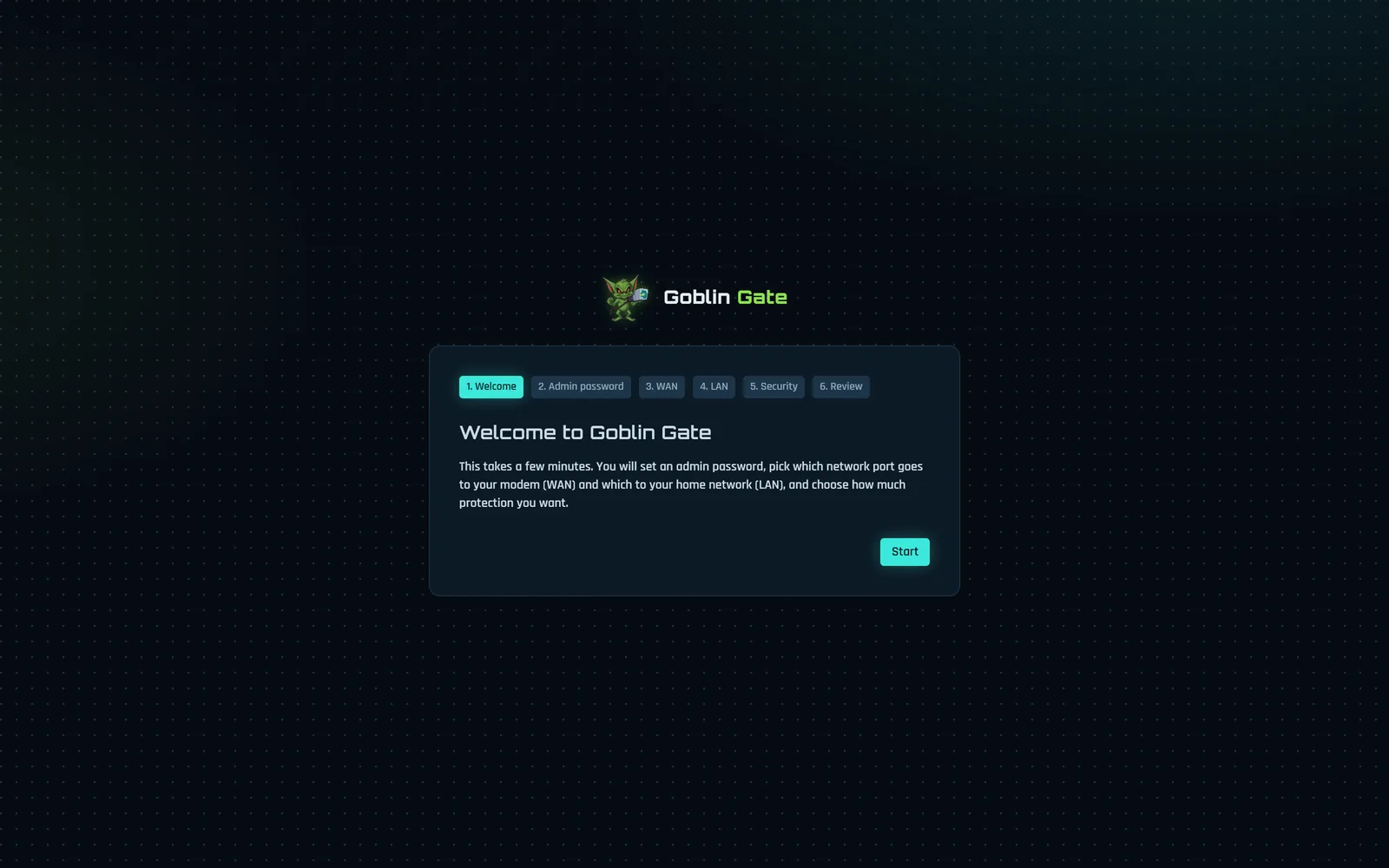
First-boot setup wizard
The setup wizard: admin password, WAN, LAN, security level, review, done.
Light or dark

Your call

One click in the corner swaps the theme.
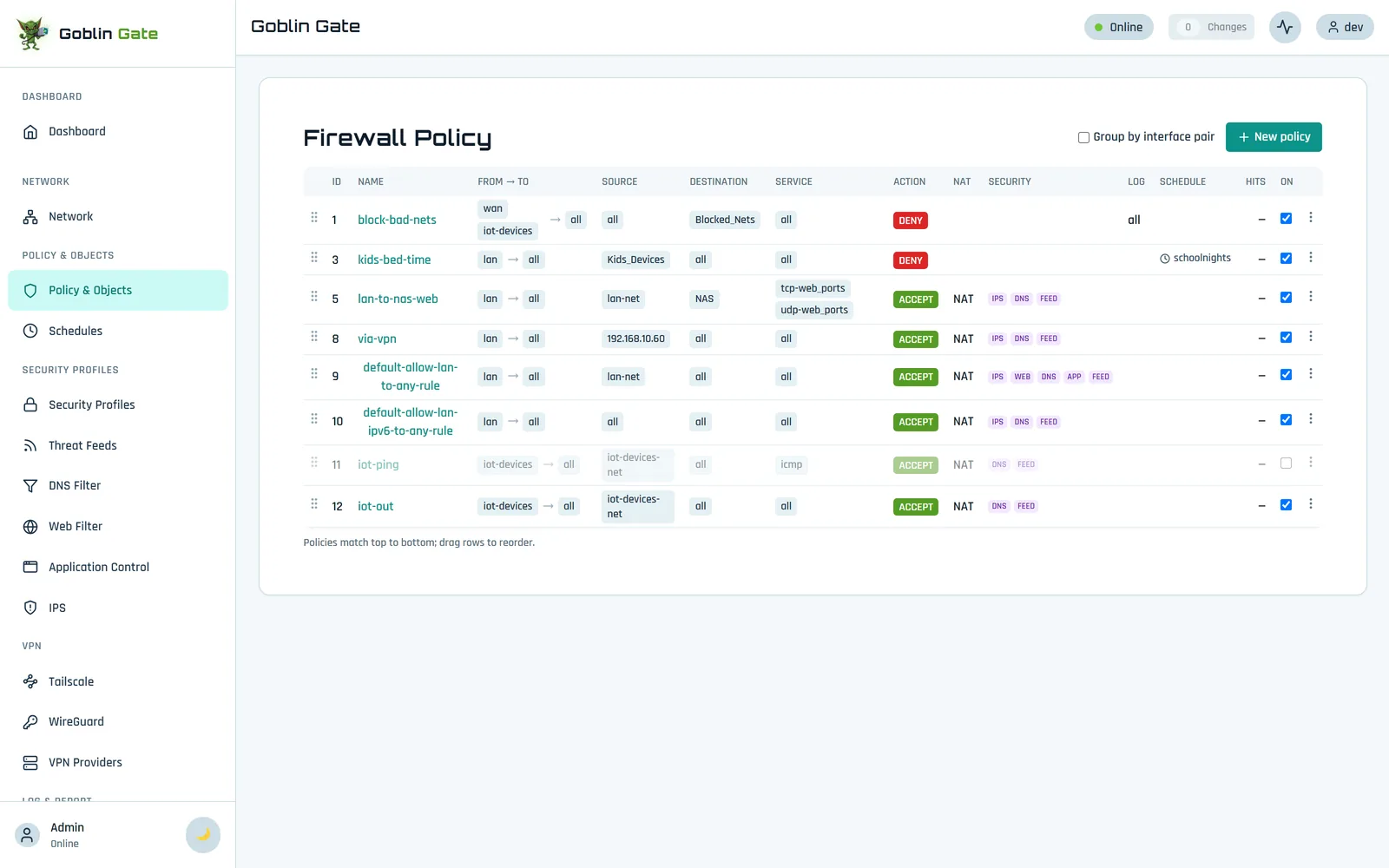
The firewall policy table in the light theme
Light theme, for the daytime goblins.
Goblin Checks in the light theme
Goblin Checks, in the light.